Inside
Everything in one Shift Nudge membership, unfolded on one page. PRO includes every item below, and VIP adds the live layer at the end. Each item links to its full page.
Everything in one Shift Nudge membership, unfolded on one page. PRO includes every item below, and VIP adds the live layer at the end. Each item links to its full page.
The full craft system. 16 principles, 85+ lessons across 8 modules, AI design prompts and exercises in every lesson, design files, and checklists. Every lesson is built why, then what, then how.
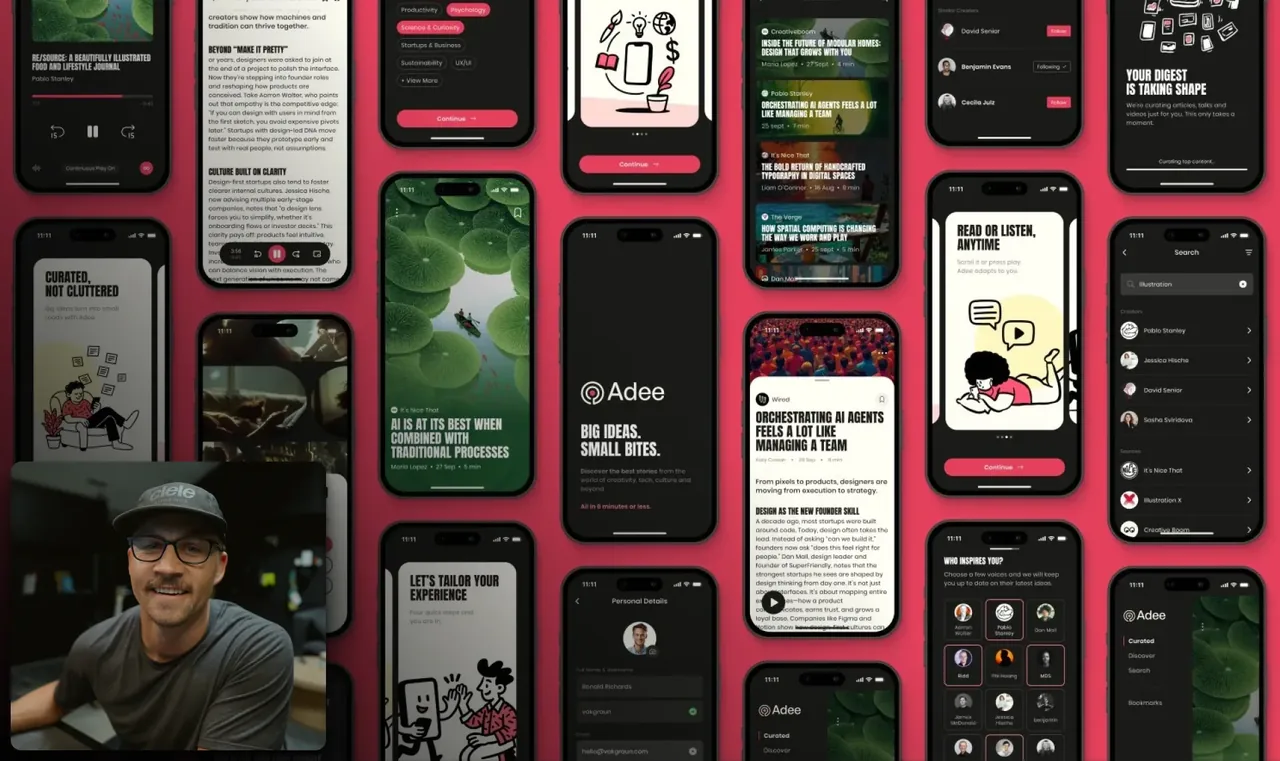
Build your designs with AI. 21 lessons, a real web app and a native iOS app built start to finish, 24+ hours of behind the scenes footage, and the skill files MDS builds with.

Web build
Mobile + iOS planning
Native iOS refinement
AI design crit, in Beta for members. Unlimited critiques of your own screens, in Claude Code, Cursor, and Codex, on your own AI account.
The career layer. Four recorded sessions, 90 minutes each, with the panels that hire and the designers who got the role. 11 real portfolios critiqued on camera, 23 portfolio questions answered, plus the Figma portfolio file, session notes, checklists, and the AI portfolio crit.
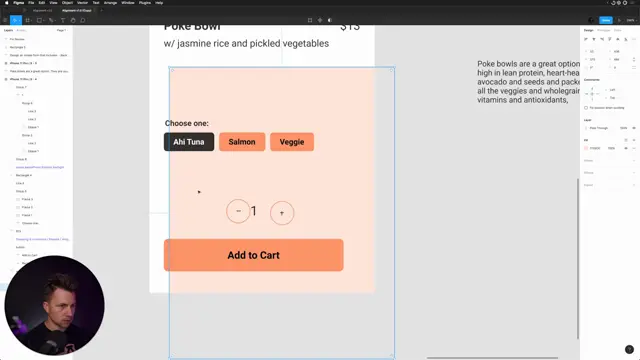
12 fast-paced videos to learn Figma in about an hour. Free for everyone, and included as the on-ramp if Figma is new to you.

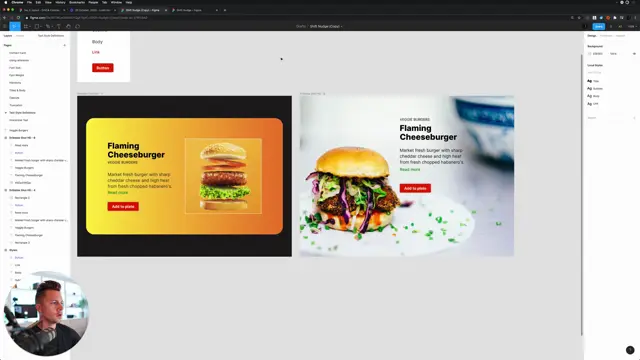
1,000+ real screens critiqued on camera, searchable and growing since 2020. Watch real work get fixed, hear the reasoning out loud, and train your eye on someone else’s rep before you risk your own.
A professional community of working designers in 90+ countries, hosted in Circle. Designers from companies like OpenAI, Anthropic, Apple, Google, Figma, and Pentagram have trained with Shift Nudge. Your critiques stay private by default, and you bring work to the community when you are ready.
Finish the interface design curriculum and receive the certificate of interface design, shareable on LinkedIn. A concrete artifact for your manager.
The VIP path includes everything in PRO and adds the live layer with MDS.

Tools keep changing. Shift Nudge builds the eye and the skills to know what to do with them. This will show up in your designs, how you defend your decisions, and what ultimately gets shipped.